Translate a full screen
Recognise visible text across the current screen and display a translation.
 Screen Translate
SCREEN TRANSLATION, RIGHT WHERE YOU ARE
Screen Translate is an Android screen translator that uses OCR to recognise visible text in apps, games and images, then translate it into your chosen language.
Android · Contains ads and in-app purchases
Online translation requires an internet connection
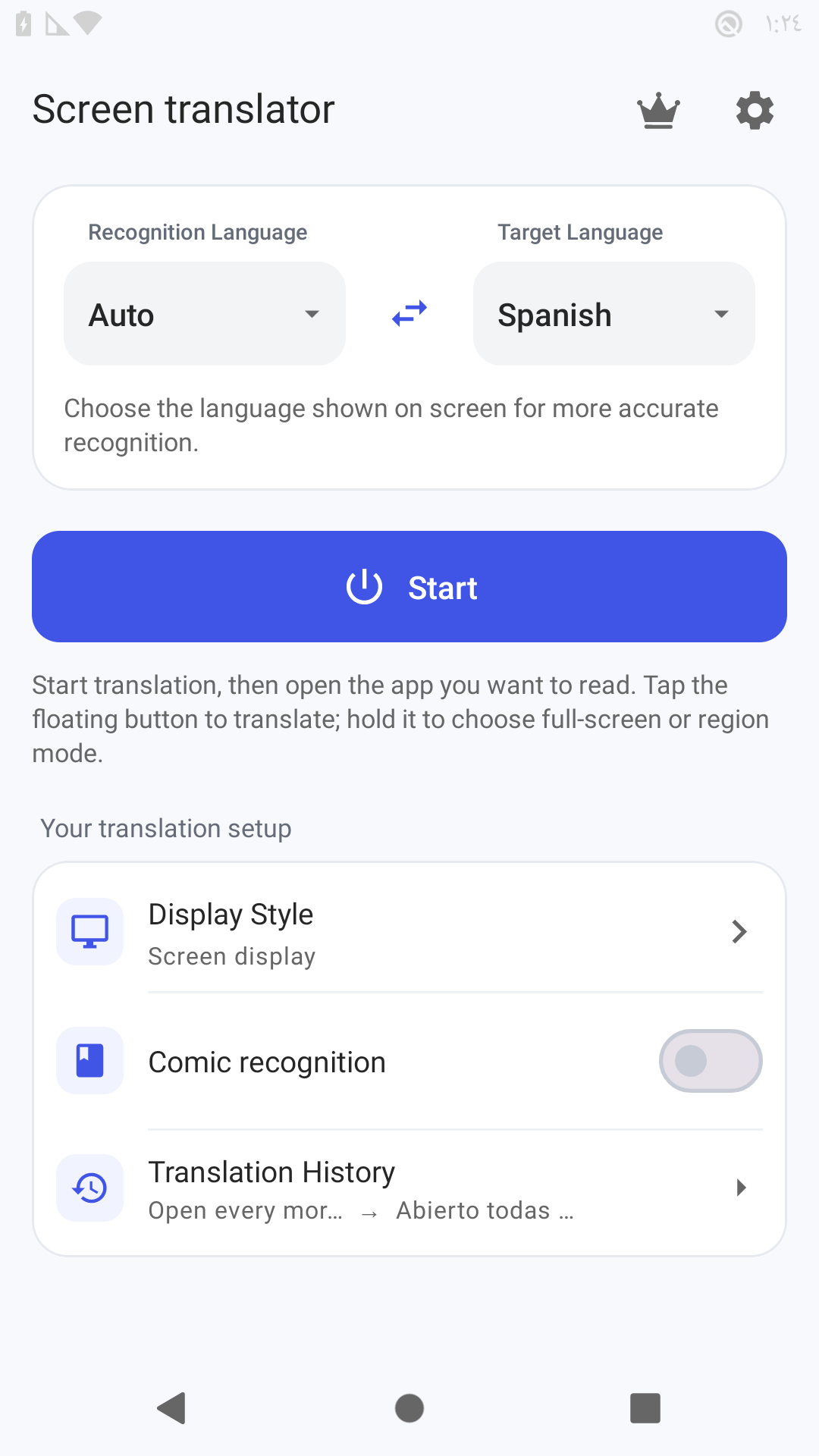
01 / Choose your languages
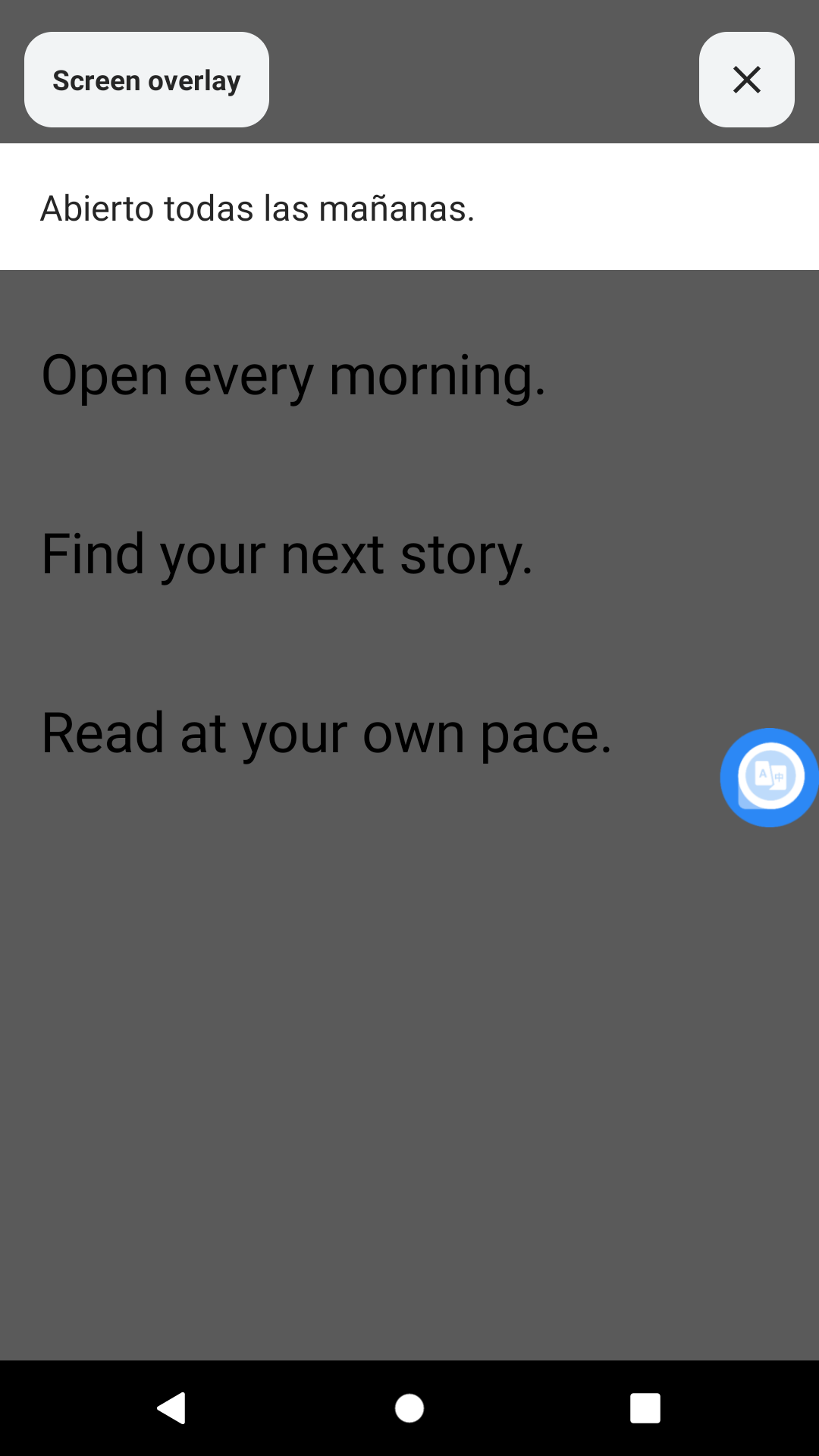
02 / Read the result
START WITH THE TEXT YOU NEED
Read a message, a game menu or a comic panel without copying each sentence into a separate translator.
FOCUS ON WHAT YOU WANT TO READ
Choose the mode that fits your text. You stay in control of what to capture and when to stop.
Recognise visible text across the current screen and display a translation.
Draw a region around a message, sentence or paragraph to focus your translation.
Keep Auto active to update translations as visible text changes. Stop the session when you are finished.
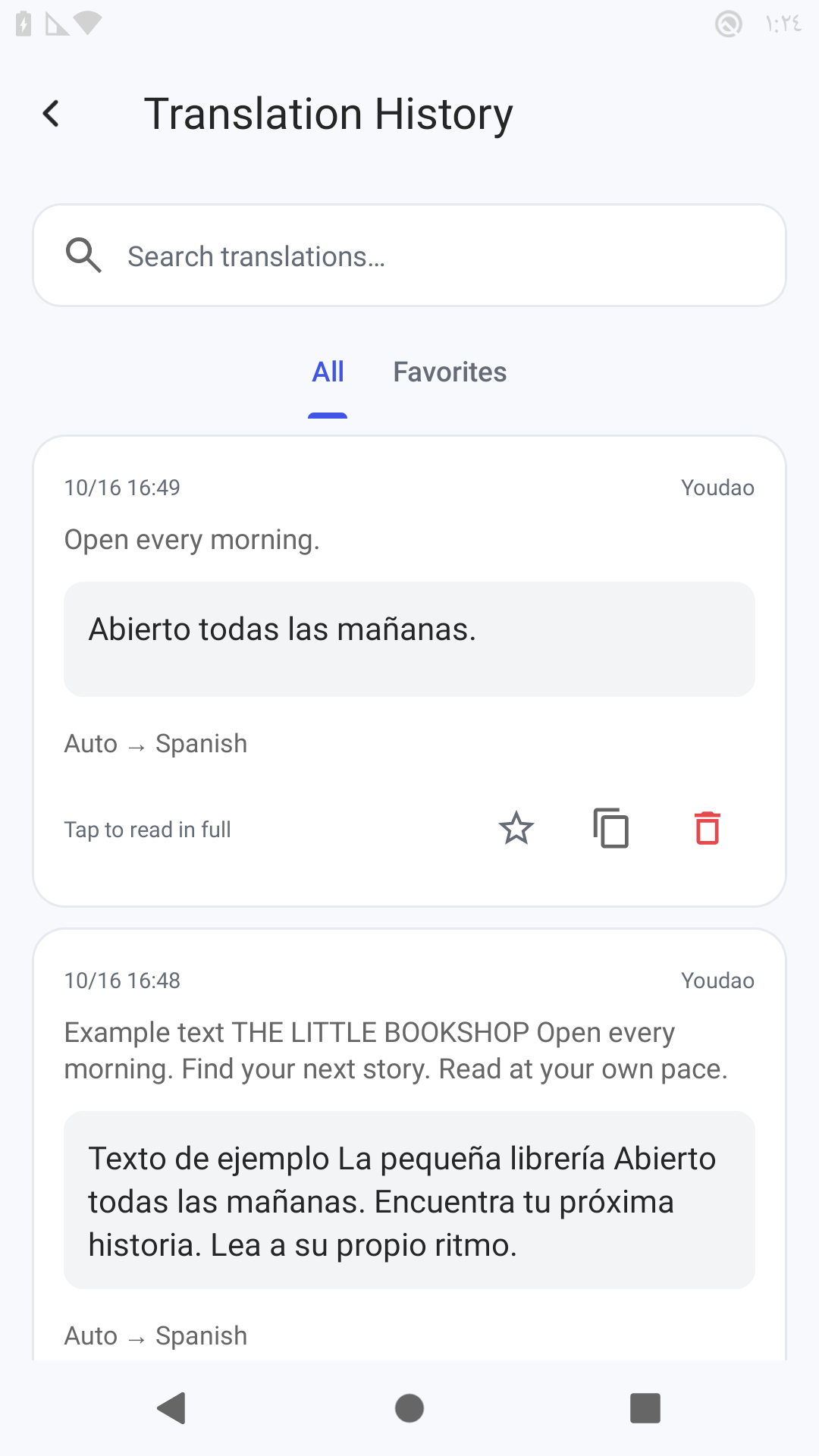
Revisit saved full-screen and selected-area results, with the original text and translation together.
Language support and recognition options depend on the selected engine. Some options require a purchase. Recognition and translation quality vary with the language, layout and image clarity.
INSIDE SCREEN TRANSLATE
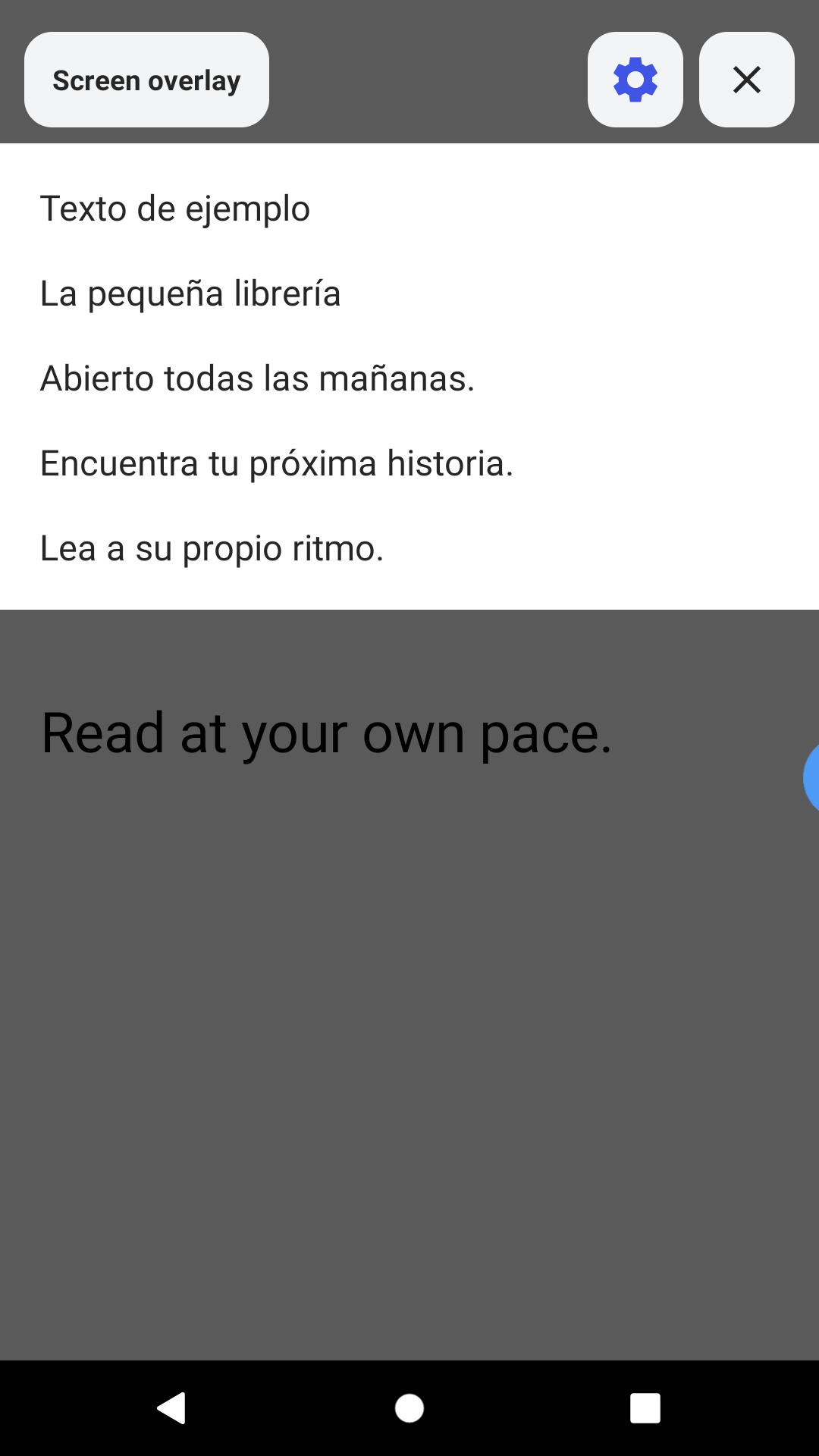
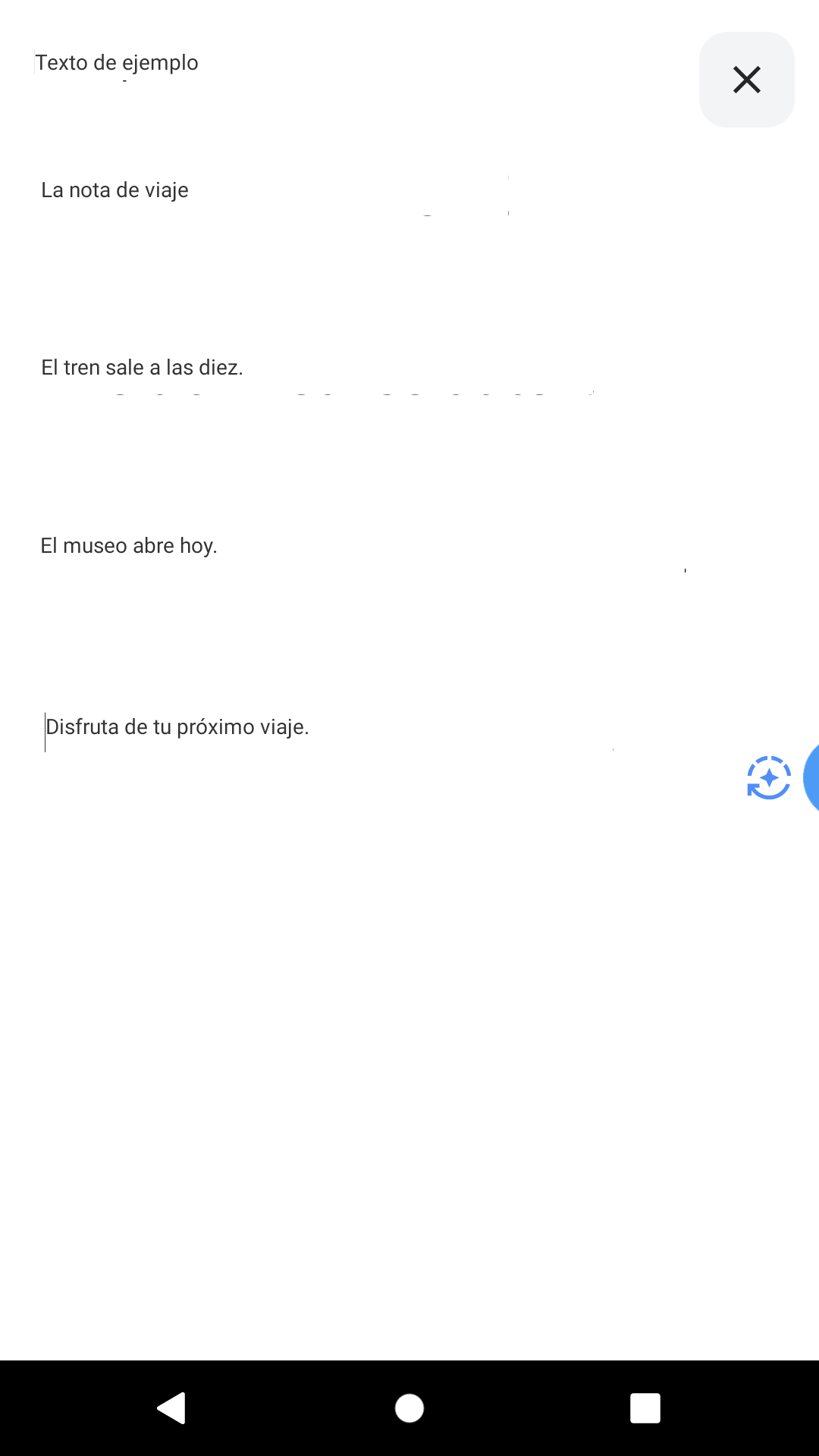
Real app screens from version 1.3.0. The interface and available options can differ by version, device and purchased access.
KNOW WHAT TO EXPECT
OCR reads the words in an image. Translation converts those words into your target language. These are separate choices in the app.
OCR, engines and accessRead visible text across the current screen. Useful when several lines or sections matter.
Draw around a message, sentence or comic panel. Keep the recognition focused on the text you need.
Update translations as visible text changes. Keep the session active and use Stop when you finish.
Protected screens may block capture. Language support, recognition quality and engine access vary. Online translation needs an internet connection.
YOU CONTROL THE SESSION
Screen capture and floating controls use Android permissions. The app asks you to approve capture before a session starts.
A few things to knowChoose an available engine, source language and target language.
Follow Android's capture prompt and allow floating controls to display over other apps.
Use Full screen, Selected area or Auto. End the capture session with Stop in the app.
ANSWERS BEFORE YOU DOWNLOAD
Purchases, supported text and the permissions behind screen translation.
Read all help topicsStart a capture session, approve Android's prompt and use the floating controls. Choose Full screen or draw a Selected area around visible text. Read the step-by-step screen translation guide. Some protected screens cannot be captured.
The app contains ads and in-app purchases. Some recognition and translation options require a purchase. Check the app's purchase screen for current products and pricing. See purchases and engine access.
OCR recognises text in a captured image. Screen Translate uses recognised text for translation, then shows a result with floating controls. Small type, unusual layouts and unclear images can affect recognition.
Yes. Choose Selected area and draw around the text you want to translate. Full screen is available when you want to recognise text across the current screen.
Online translation engines need an internet connection. Depending on the recognition and translation options you choose, text or images may be sent to online services for processing.
Some protected screens prevent capture. Recognition also depends on visible text, image clarity, language and layout. The app does not bypass Android's screen-capture protections.
Use Stop in the app to end the capture session. Closing an individual result and ending the capture session are different actions.
Full-screen and selected-area results can be saved to history, where you can revisit the original text and translation. Auto does not create a history entry for every captured frame.
Open the language picker for your selected engine to see its available languages. Support differs between engines. Some recognition and translation options require a purchase.
YOUR NEXT SCREEN, IN YOUR LANGUAGE
Check the listing for current device availability and purchases.